
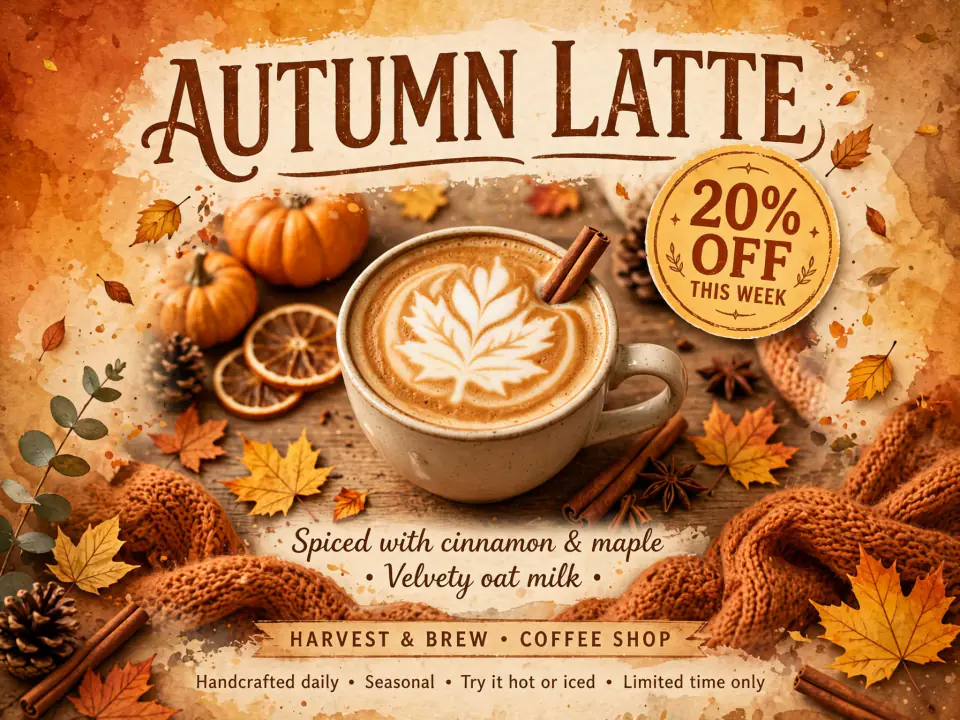
Muse Image Poster Maker
Give it the headline, the offer and the mood. At 3 credits a try, you can run several layouts and keep the strongest.
One price of 3 credits per picture. Write a prompt or combine up to 10 images in an edit, choose from 8 shapes, and usually see the result in 10 to 24 seconds.
We refuse nudity, sexual imagery and any edit that undresses a real person. Terms of Service
Each piece hanging here was rendered by Muse Image on MuseImage. Choose one and its prompt and settings drop into the generator. Running it again gives you a fresh take rather than a duplicate.
Put it to work
Choose a job. Each one starts with a few lines of text and finishes as a picture file.
Give it the headline, the offer and the mood. At 3 credits a try, you can run several layouts and keep the strongest.
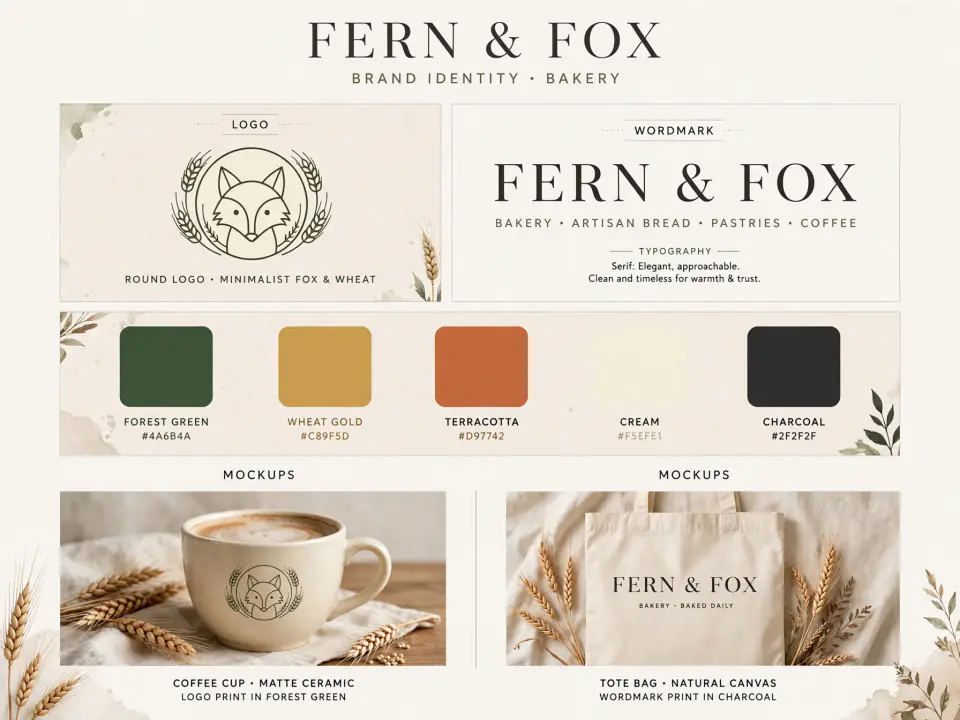
Start from a name, a feeling and a palette to get a mark with mockups on one sheet. Send your favourite direction back for changes.

One subject and a few large words in quotes. Choose 16:9 for video or 9:16 for phone screens, and check it still reads when small.
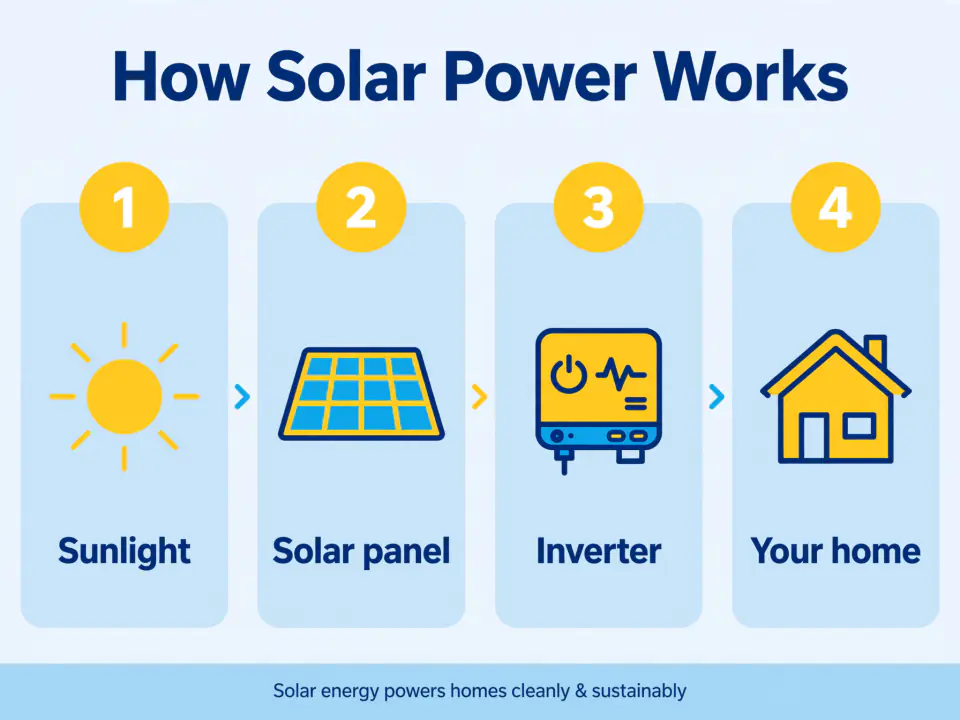
List each stage with a short label to get neat panels and plain icons. Keep the wording brief, and check every word and fact before publishing.
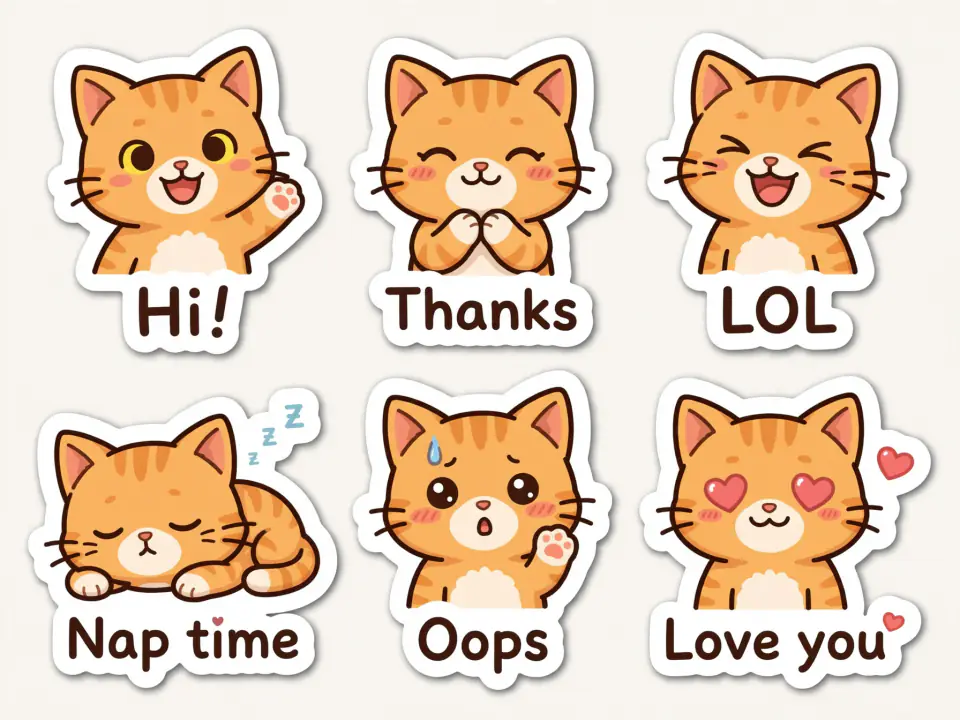
Several expressions of one character on a single sheet. Attach an earlier sheet to help the design stay recognisable.
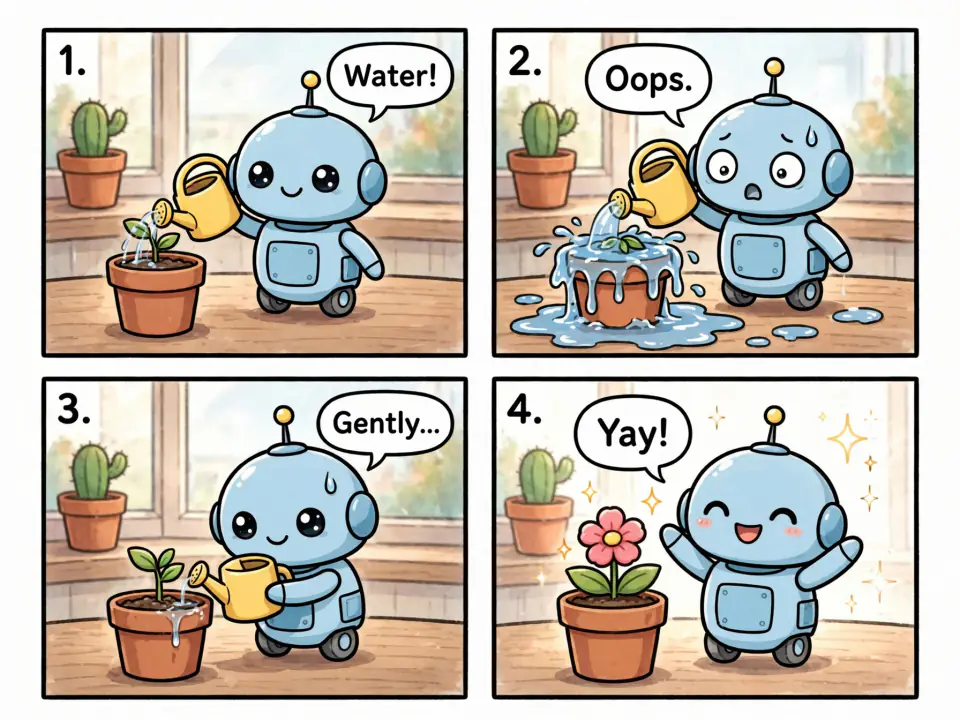
Describe the action panel by panel. Add finished panels as input images, up to 10, to help characters carry through.
Edit by instruction
On the left, the input file. On the right, the result from the prompt printed below it.
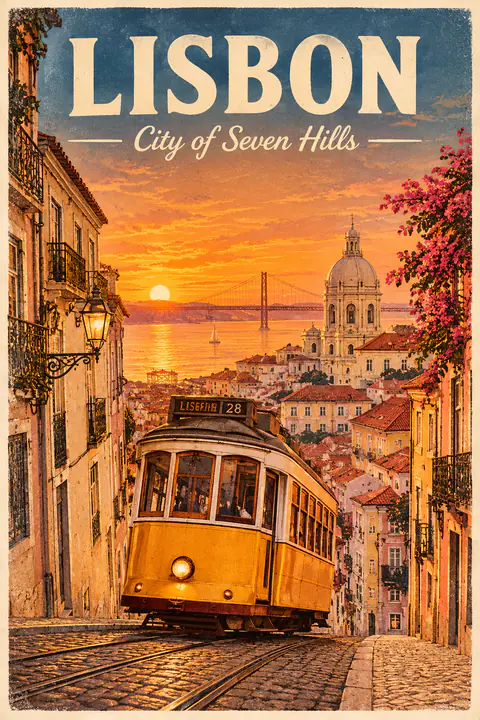
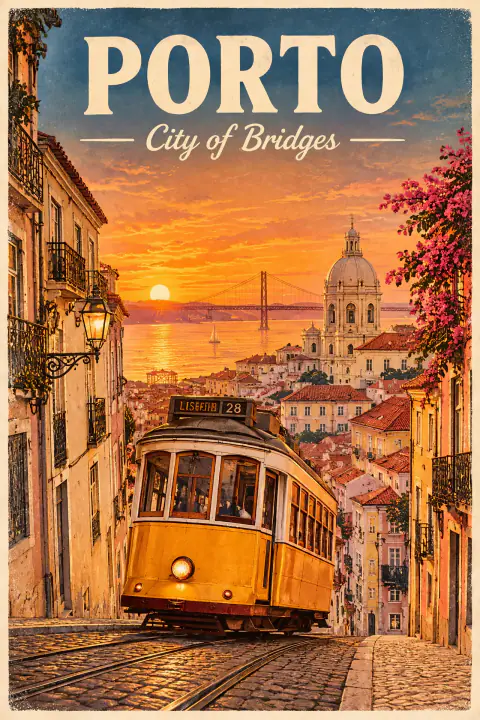
New words go on the poster, with the tram, the palette and the lettering style left alone.
Replace the headline with "PORTO" and the line below it with "City of Bridges". Leave the rest untouched.
Several images in
Hand over a person, a product and a place, say how they fit together, and get one picture back for the same 3 credits.
 3 images in
A portrait, a product shot and a street photo become one candid frame.
What went in
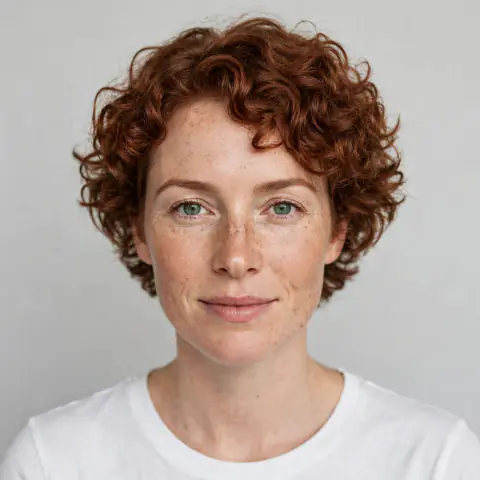
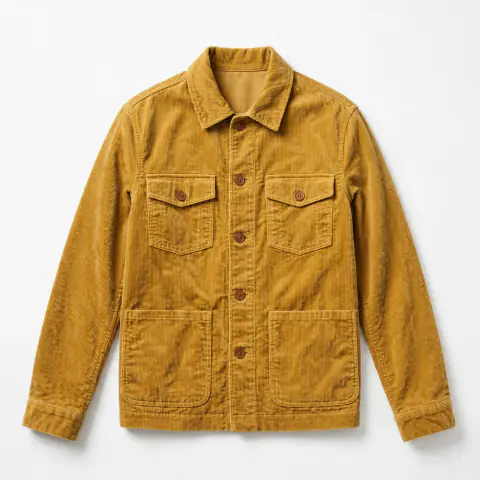
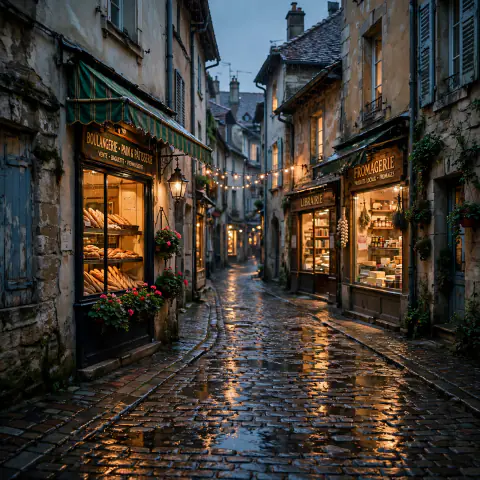
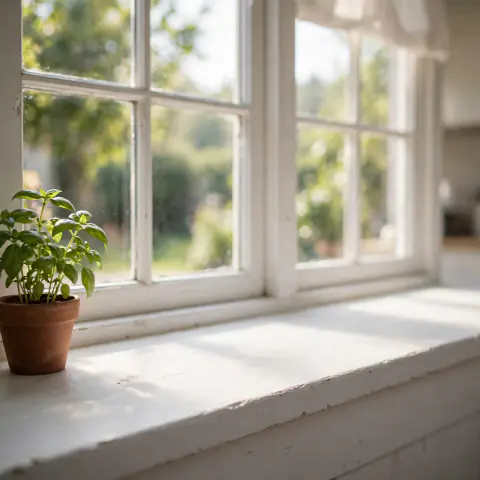
 3 images in
Three separate photos make one scene, with the glaze and the wood grain kept.
What went in
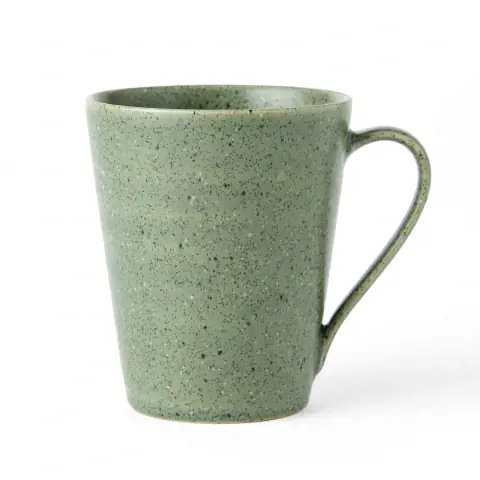
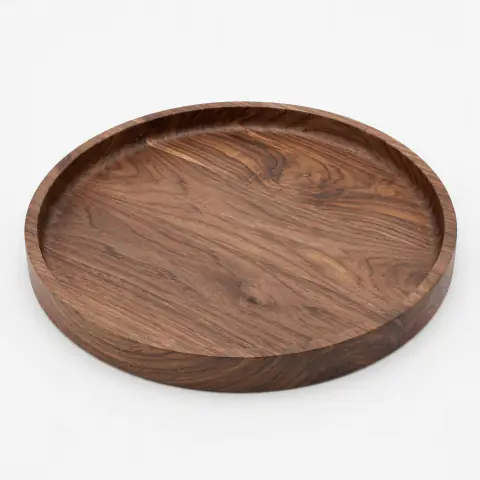
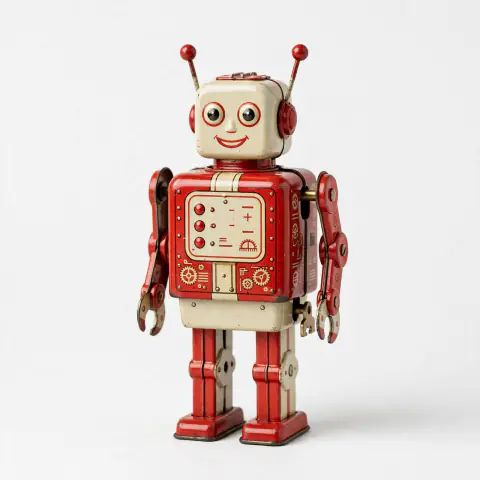
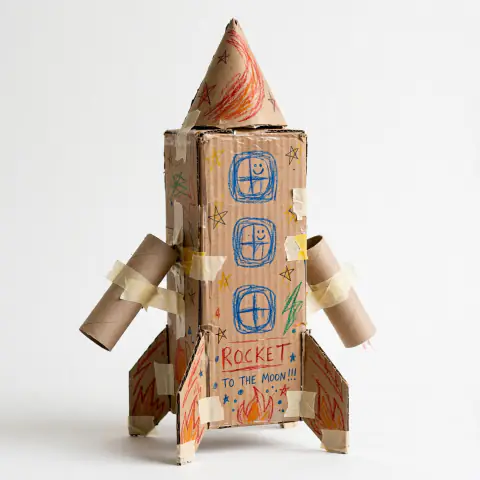
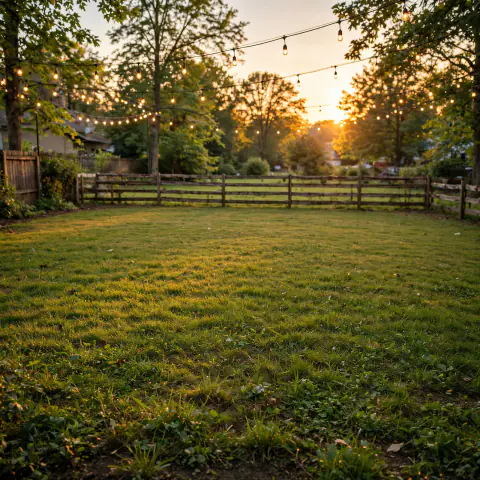
 3 images in
Two toys and a backyard, joined in one wide shot.
What went in
Three steps
Write in plain language and put any exact words in quotes. For an edit, attach 1 to 10 images and say what should change.
Choose one of 8 aspect ratios, then JPEG or PNG. On an edit, Auto follows your first image. The price stays at 3 credits.
Take the file as it is, or send it back with a new instruction. Your pictures wait for you in your library.
Inside MuseImage
Muse Image is Meta's image model, the first from Meta Superintelligence Labs. MuseImage keeps the controls simple: a prompt, a shape, and up to ten input images.
Go from a 1:1 square to a 21:9 banner at around 2.5 megapixels. Need 4K, 14 reference images or web search? Nano Banana 2.1 is in the model menu, from 8 credits.
Put a title or a price in quotation marks and keep it brief. Short quoted words came out spelled correctly in our small test, but always read the picture before it goes to print.
Hand the model a person, a product and a setting, then write how they belong together. Use anywhere from 1 to 10 input images. The price stays at 3 credits, so adding one more picture costs nothing extra.
In our tests, the model took about 10 to 13 seconds from a prompt and about 17 to 24 seconds for an edit. That leaves time to try a few directions before you settle on one.
Spend your sign-up credits first. Choose a plan when pictures become a regular part of your week.
Lite
For trying ideas, social posts and the odd client job.
~$0.010 per credit
From about $0.031 a picture
What you get
Pro
For shops and small teams that publish new visuals each week.
~$0.008 per credit
From about $0.025 a picture
All of Lite, and
Ultra
For studios turning out pictures every working day.
~$0.007 per credit
From about $0.021 a picture
All of Pro, and
Prices shown include any applicable tax.
Placard notes
Sign up, type what you want to see, pick a shape and press the button. To edit instead, attach your pictures and write the change. If words must appear in the image, put them in quotes and keep them short. Finished pictures go to your library.
Muse Image is Meta's image model, the first from Meta Superintelligence Labs, launched on 7 July 2026 in the Meta AI app. MuseImage runs it through WaveSpeed for creating pictures from text and editing them by written instruction.
Nano Banana 2 is Google's model, and MuseImage offers its update, 2.1, in the model menu. Muse Image is the simple route: 3 credits, around 2.5 megapixels, up to 10 inputs. Nano Banana 2.1 costs from 8 credits and adds 4K, up to 14 reference images and web search.
OpenAI's GPT Image 2 lets you choose resolution and quality level, and the price moves with them. Here, Muse Image has one output size and a fixed 3 credits, about 10 to 13 seconds from a prompt in our tests. We have not timed the two side by side.
In Meta's own app, basic use has been reported as free. On this site each picture costs credits, and signing up includes 3, which is enough for one picture. After that you can choose a plan or buy a top-up.
As far as we can tell, no. No public model weights have been reported, so you can't download the model and run it yourself. Access comes through Meta's own app or through services such as this one.
Yes. Upload a picture and describe the change in plain words. One edit can take 1 to 10 input images, for example a person, a product and a setting combined into a single scene. With the ratio on Auto, the result follows the shape of your first image.
3 credits, every time. The figure is the same for a generation or an edit, for every aspect ratio, and whether you attach one input image or ten. There are no add-ons to work out before you press the button.
Eight ratios: 1:1, 3:2, 2:3, 4:3, 3:4, 16:9, 9:16 and 21:9. Output is around 2.5 megapixels. Our test runs measured 1600 x 1600 at 1:1 and 2352 x 1008 at 21:9. You can download JPEG or PNG. On an edit, Auto follows the first input image.
We could not find clear terms from Meta on commercial use of this model's output, and MuseImage cannot settle that question for you. Check Meta's and WaveSpeed's terms before important commercial work, and steer clear of real people's likenesses and other brands' trademarks.
No. MuseImage is an independent website that runs Muse Image through the third-party API platform WaveSpeed. It is not made by, endorsed by or affiliated with Meta.
Sign up, spend your free credits on a picture you really need, and see what comes back.